
The Roadmap From Your First Post to Your First Paycheck as a Content Creator
Most advice on how to start a blog and make money arrives as a pile of separate tasks: pick a niche, install a theme, write a post, join an affiliate program, build a list. Each task makes sense alone. What’s missing is the order, and the order decides whether the work pays off or gets thrown away.
This article is one map of the whole path, from your first post to your first paycheck, in the sequence it tends to happen: foundation, first posts, traffic, audience, income, automation. At each stage you’ll find a short explanation and a pointer to a deeper post for when you want the detail.
To keep it concrete, we’ll follow Dana, a made-up creator who writes about budget meal prep for shift workers. She is an illustration, not a real case study, and nothing about her results should be read as a promise. She is there so each stage has a face and a decision to make.
Where most creators get stuck before the first post
Dana’s first problem is not a lack of ideas. She has a notebook full of them. Her problem is that she keeps reopening decisions that should only be made once.
Creators usually stall in one of three places. The first is the niche: they hold off publishing until they are sure of the “right” topic, and certainty never comes. The second is setup: they compare themes, plugins, logo makers, and email tools for weeks, because setup feels like progress and writing feels like risk. The third is readiness: they decide they will start once they have a better camera, a better microphone, or a better grasp of SEO.
All three delay the only thing that produces information, which is a published post and what readers do with it. A niche you have never written in is a guess. A niche you have written ten posts in tells you which topics you can sustain and which you dread.
The path below is built to get you past that point quickly, with each stage resting on the one before it:
- Stage one, foundation: a focused niche and a site you own.
- Stage two, first posts: your first ten posts, a workflow that keeps you publishing, and basic protection for the site.
- Stage three, traffic: keyword research, search tools, and a site that loads quickly.
- Stage four, audience: an email list and a community, so readers can come back.
- Stage five, income: the revenue streams that suit your traffic, and a way to track which ones pay.
- Stage six, automation: handing repetitive work to tools, and using AI while the writing still sounds like you.
The order matters because several of the later stages need the earlier ones. Display ads need traffic, and traffic needs posts. An email sequence needs a list, and a list needs readers who found something worth subscribing for. Skip ahead, and you end up optimizing something that doesn’t exist yet.
Table of Contents
Stage one: pick a niche and a home base you own
A workable niche has three properties. It is narrow enough that a stranger can tell in one sentence who the site is for. It is broad enough that you could list at least thirty post ideas without straining. And the readers have problems that people or companies already pay to solve, which is what makes income possible later.
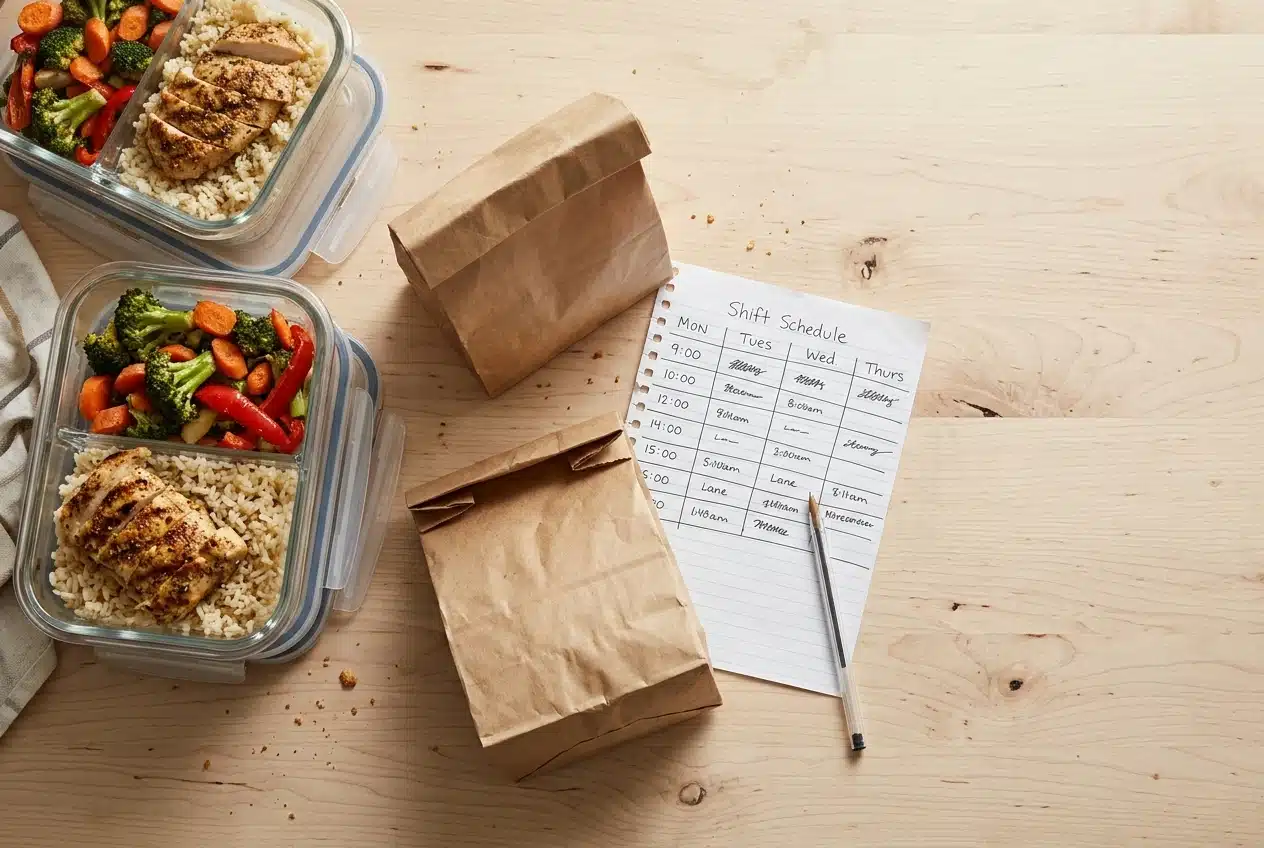
Dana’s first attempt, “healthy eating,” fails the first test. Anyone could be the reader, so no one feels addressed. “Budget meal prep for shift workers” passes. The reader is clear, the problems are specific (eating at odd hours, cooking once and reheating, keeping food safe in a lunch bag), and there are obvious things to recommend later, such as containers, planning tools, and scheduling software.
You can test your own niche in an afternoon. Write down thirty post titles that a reader in that niche would search for or click. If you reach thirty without padding, the niche has room. If you stall at ten, narrow it differently or pick a neighbouring topic. You are not locking it in forever. You are choosing a place to start that you can adjust after ten posts.
Own the home base
The second decision is where the content lives. Social accounts are useful for reaching people, but you don’t control them. The platform sets the rules, the reach and the format, and it can change any of them. A site on your own domain, with your own email list attached, is the one place where the audience belongs to you.
For most creators, that means a self-hosted blog or a hosted platform that lets you export your content and use your own domain. The right choice depends on how much control you want against how much maintenance you will tolerate. If you want to compare options for a site you intend to grow into a business, the post on the best blogging platform for serious creators goes through the trade-offs.
Whatever you choose, keep the first setup plain. A readable theme, a clear About page, a contact page, and a short list of categories are enough. Dana spends one weekend on it and moves on, because she knows the site will look different after her tenth post anyway.
Stage two: publish your first ten posts without burning out
Ten posts is a useful target because it is enough to show patterns and few enough to finish. Dana doesn’t aim for ten perfect posts. She aims for ten finished ones, and she uses a workflow that makes finishing the default.
A simple workflow that holds up
Each post goes through the same five steps, and she does them on a schedule rather than whenever she feels inspired:
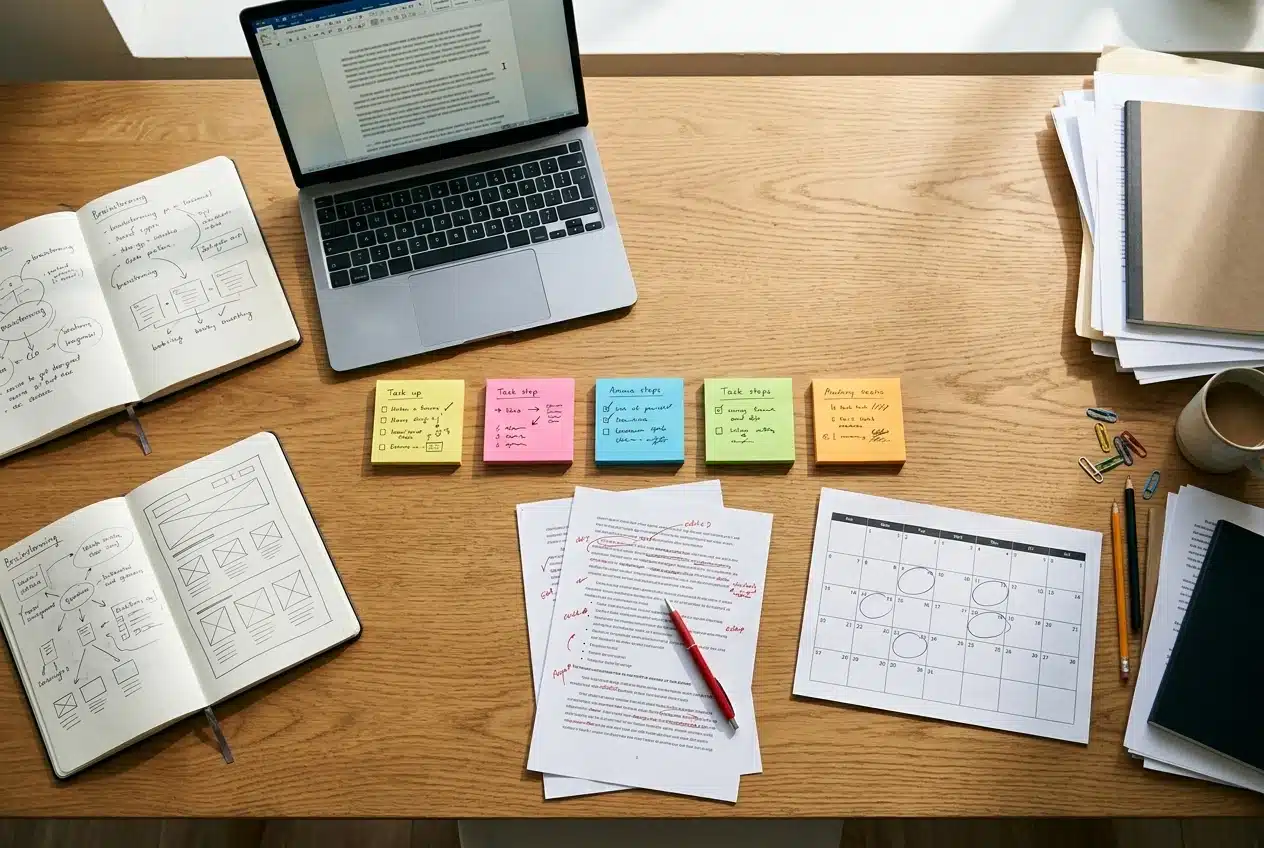
- Pick one question. Every post answers a single question a reader would type or ask. “How do I keep prepped chicken safe through a night shift?” is a post. “Meal prep tips” is a category.
- Outline in plain headings. Five to seven headings, each one a sub-question. This takes about fifteen minutes and removes most of the staring at a blank page.
- Draft without editing. Write the whole thing in one sitting. Fix nothing yet.
- Edit the next day. Cut anything that repeats, add one concrete example per section, and check that the first paragraph tells the reader what they will get.
- Publish and note it. Add a title, a short description, and one image, publish, and log the date and topic in a simple list.
If you publish twice a week, ten posts take five weeks. If twice a week is too much, once a week works and simply takes ten. The rate matters less than keeping it steady, because a pace you can keep beats a burst followed by a stop. If your process still feels scattered, the site has a post on how to organize your content workflow that covers the planning side in more depth.
Variety helps in these first ten. Mix a few how-to posts, a couple of comparisons or lists, and one or two posts that explain a concept readers in your niche often get wrong. You’ll see which format you write most easily and which gets read.
Protect the site before it has anything to lose
A new blog with ten posts feels too small to be a target, but automated attacks don’t check how much you’ve published. They scan for weak passwords, outdated software, and exposed login pages. Locking things down early takes an hour or two and is much easier than recovering a hacked site later.
The basics are a unique, long password for every account tied to the site, two-factor authentication on your hosting and admin logins, prompt updates for your platform, theme, and plugins, and removal of anything you no longer use. The blogger’s security checklist lists what to lock down and in what order.
Security reduces the odds of a problem, but it doesn’t remove them, so you also need a way back. Set up automatic backups stored somewhere other than your web host, and test a restore at least once, because a backup you’ve never restored is an assumption. The guide to WordPress backup and restore walks through building that recovery plan.
Stage three: get found
Once Dana has ten posts, she has something to improve. Until now she picked topics by instinct. Now she starts choosing them by what people are actually searching for.
Keyword research in plain terms
A keyword is the phrase a person types into a search engine. Keyword research means finding the phrases your readers use, judging how competitive they are, and matching each post to one main phrase. It also means reading the intent behind the phrase. Someone searching “meal prep containers” probably wants to compare products. Someone searching “how to meal prep on night shift” wants instructions.
A new site rarely wins the broadest phrases, because established sites have years of links and content behind them. It has a better chance on specific, lower-competition phrases where the reader’s need is clear. Dana’s list of thirty post ideas from stage one becomes a research list: she checks each phrase, keeps the ones with a clear intent she can satisfy, and drops the ones dominated by large publishers.
Which tool you use matters less than using one consistently, but the choice does shape your workflow. The post on how to choose a keyword research tool gives seven questions to ask before paying for anything, and the best SEO tools for new blogs covers what a site at this size needs and what can wait.
Speed is part of being found
Slow pages frustrate readers, and readers who leave quickly don’t subscribe or click anything. Search engines also take page experience into account, though how much it matters for a given ranking is a fair question. The post on whether page speed really affects SEO takes that question apart without exaggerating it.
The fixes that usually matter most on a small blog are practical ones: compress images before and after upload, avoid stacking plugins that each add scripts, choose a lightweight theme, and use caching. Images are the most common cause of heavy pages, and compression doesn’t have to leave photos blurry. See WordPress image optimization without blurry photos for how to get both.
Be patient, and use other channels in the meantime
Search traffic on a new site builds slowly, and no one can tell you exactly when it will arrive. While Dana waits, she shares posts where her readers already spend time. For a topic like hers, that might be Facebook groups for shift workers or Pinterest boards of meal prep ideas, since recipes and planning charts suit the format. These channels send visitors to her site, and she treats them as ways to reach people, not as the place her audience lives.
Stage four: turn readers into an audience
A visitor who reads one post and leaves is traffic. A visitor who subscribes, comes back, and replies is an audience. The difference is a way to reach them again, and email is the most reliable one because you hold the list yourself and no feed algorithm sits between you and the reader.
Dana adds a single signup offer to her site, something her readers would want and that costs her only some time to produce: a one-page weekly meal prep planner for shift schedules. She places the form at the end of her most-read posts and on the About page. She doesn’t add popups and banners everywhere at once. One clear offer in two or three places is enough to start, and she can see which placement works.
Building a list with low traffic is slower but entirely possible, and the post on how to build an email list on a new blog, even with low traffic, covers the tactics that suit a small site.
What happens after someone subscribes
The first email a subscriber receives gets the closest attention you’ll ever have, because they just asked for it. Most new bloggers waste it on a bare “thanks for subscribing.” A welcome sequence uses those first few emails to deliver the promised download, introduce who you are and what the site covers, point to your three or four best posts, and ask one easy question. The replies tell you what your readers actually need, which is better research than any tool provides. The guide to writing a welcome email sequence for your blog shows how to structure it.
Add a place for people to talk
Email is one-to-many. A community adds conversation between readers, and that is where loyalty tends to form, because people come back for each other as well as for you. A group can start small. Even a few dozen engaged members give you faster feedback on what to write next than analytics alone. Our Skool community serves this purpose for creators working through the stages in this article, and the call to action at the end explains how to join it. You can also add your own reader group later, once your list is large enough to fill one.
Stage five: choose your income streams and track what pays
Income is the stage most creators want to jump to, and it is the one that depends most on the others. Revenue is some mix of audience size, audience trust, and the fit between what you recommend and what readers need. Dana reaches it with ten posts, some search traffic, a small email list, and a handful of readers who write back.
The main options for a blog or content site are these:
- Affiliate links. You recommend a product or service and earn a commission when a reader buys through your link. This works at small traffic levels if the recommendation matches a problem the post is already solving. Always disclose the relationship clearly, as the rules in many countries require and as readers expect.
- Display ads. An ad network pays for ads shown on your pages. Income depends on the number of visits, so it generally suits sites with steady traffic rather than brand-new ones.
- Your own products. Templates, guides, courses or paid communities. These take the most work to create and the least to keep, and they sell best to an audience that already trusts you.
- Sponsorships and services. Brands pay for placement, or you sell your skills directly. These usually follow an established audience.
For a new site, affiliate links are the most natural first stream, because they need no minimum traffic and fit into posts you are already writing. Dana’s meal prep posts naturally mention containers, planners, and scheduling tools, and she links the ones she would recommend to a friend in her niche.
Track it, or you are guessing
Income without tracking tells you that something earned money but not what. Dana keeps a simple sheet with one row per post: the topic, the links in it, the clicks, the sales or commissions, and the time it took to produce. Dividing earnings by hours shows which posts pay and which only feel productive. The post on affiliate blog ROI and a spreadsheet that shows real profit provides a layout you can copy.

If you are weighing ads, read the small-site monetization plan for display ads first. It helps you judge when ads are worth the trade-off in page speed and reader experience, and when affiliate links or an email list will earn more from the same traffic.
Stay realistic about the first paycheck. For most creators, the first earnings are small and arrive after consistent publishing, not right after launch. A small sale from a post you wrote weeks ago still proves something valuable: that your recommendation and your reader can meet. Then you can repeat it.
Stage six: automate the repetitive work and use AI without losing your voice
Automation comes last on purpose. You can only automate a process you understand, and by this stage Dana has done each step by hand enough times to know where the time goes.
Look for tasks that are repetitive, rule-based and low in creative judgment. Typical candidates include:
- scheduling posts and social shares in advance, instead of posting by hand each time;
- sending the welcome sequence and routine newsletters automatically;
- resizing and compressing images as part of publishing;
- turning a finished post into several short social pieces;
- collecting the numbers for your tracking sheet.
Each of those saves minutes, and the minutes add up to hours that go back into writing, which is the part readers come for. Because the site’s monetization comes from affiliate links for automation tools and AI services used by professional bloggers, we cover these tools in more detail in separate posts. Whenever you read a recommendation, here or elsewhere, ask whether the writer has a stake in the sale, and weigh the tool against your own workflow rather than the sales page.
Use AI as a drafting aid, not as the author
AI writing tools can speed up outlines, first drafts, headline options and research summaries. The risk is that unedited output sounds like everyone else’s, and a site whose posts sound alike gives readers no reason to prefer it. Your experience, opinions and specific examples are what AI cannot supply, so those need to come from you.
A workable rule is to let AI help with structure and rough wording, then rewrite every post so the examples, judgments, and phrasing are yours. Check every factual claim against a reliable source before publishing, since these tools can state wrong things with confidence. The post on how to use RightBlogger AI tools without losing your voice shows one way to build that process.
Your next 30 days: a week-by-week plan to move up one stage
The goal for the next month is to move up one stage, not to complete all six. Start by finding where you are. If you have no site and no niche, you are at stage one. If you have a site and fewer than ten posts, you are at stage two. Ten posts with little traffic puts you at stage three, some traffic with no list at stage four, a list with no income at stage five, and income that eats your time at stage six.
Then follow the week plan that matches your stage. The four weeks below assume you are between stages one and three, which is where most readers of this article are.
Week 1: decide and set up
Write your thirty post titles and cut your niche to a single sentence naming the reader and their problem. Choose your platform and domain, set up the site with a plain theme, and write your About page. If the site already exists, use the week to turn on two-factor login, update everything, and set up automatic off-site backups.
Week 2: publish the first batch
Pick the five easiest questions from your list and write posts using the five-step workflow. Publish the first two or three this week. Add a basic image to each, compressed before upload.
Week 3: finish ten and start researching
Publish the remaining posts until you reach ten. Then pick a keyword research tool and check the phrases for your next ten ideas, choosing the ones with clear intent and manageable competition. Test your page speed on your two most-visited pages and fix the largest image problems.
Week 4: capture readers and look at income
Create one simple offer for subscribers and place the signup form in your best posts. Write the first email of your welcome sequence. Open a tracking sheet and add any affiliate links you already use, even if they have earned nothing yet. Finish by writing down what you will do in the next 30 days, which should be the stage after this one.
You will adjust as you go, and some weeks will slip. If you miss one, resume where you stopped instead of trying to catch up, because finishing the plan matters more than keeping to the exact dates.
If you’d like feedback on your next stage and a place to share your first wins with other creators, join the Skool community.


Reallt enjoyed reading this Andy, learnt a couple of pointers I hadn't thought of yet.
I like the use of Dana, the workflow is easy to follow, the use of other channels until site gains visibility, the mention of protecting the asset. The images are simple yet precise and your links are inviting,
I reckon this needs to be in the Share Kit section in Earn. It reads as a true viewpoint, from the writer having actually experienced the topic and its content 🐯
Thanks. For those wondering what she is talking about, she is talking about shared content with your embedded affiliate link from inside Wealthy Affiliate.
Great step-by-step instructional guide.
Thank you. We try our best.