
How to Turn One Blog Post Into a Week of Facebook and Pinterest Content Without Doing It by Hand
Picture a blogger who publishes a solid 1,800-word post on Sunday afternoon: How to Batch Record Four Podcast Episodes in One Afternoon. The post is thorough, and the examples are good. By Sunday night, the energy is gone, and promoting it means writing a Facebook post, designing a pin, writing a pin description, and then repeating the process for tomorrow.
The post gets one tweet-sized announcement and a single pin, and then it sits. This is the usual fate of good posts from people who publish regularly and have no assistant. The writing gets done, and the distribution doesn’t.
This article walks through one pipeline that fixes that. One published post triggers a chain that drafts several Pinterest pins and a handful of Facebook posts, each built around a different angle of the post. You review them in one sitting before anything goes live. This is how to repurpose blog content for social media without doing it by hand and without posting the same thing everywhere.
Table of Contents
The Sunday night problem: a great post and no energy to promote it
Writing and promoting use different skills and different kinds of attention. Writing is deep work on one idea. Promotion is a run of small decisions: which line to quote, which image to make, which hashtag or keyword to use, what to say to someone scrolling past.
Doing the second right after the first is hard because you are already tired of the post. You have read it a dozen times, and every sentence feels too familiar to be worth sharing.
The fix is to stop treating promotion as a task you do after publishing and start treating it as a process that starts when you publish. If drafts of the social content already exist when you sit down, your job changes from creating to choosing, which takes far less energy.
Why copy-and-paste isn’t repurposing (and what each platform actually wants)
The default approach is to paste the title and link into Facebook, then into Pinterest, and call it done. The result is two weak posts, because the platforms are used differently.
Pinterest works as a search engine. People type a phrase, scan a grid of vertical images, and save what looks useful for later. A pin needs a clear, readable image, a title and description that contain the phrases someone would search for, and a link to a post that delivers what the pin promised. A pin lives on boards and in search results long after you post it, so each one is a small, durable entry point to your site. Vertical images, commonly in a 2:3 ratio, take up more room in the feed than square or horizontal ones.
Facebook works as a conversation. People are there to see what friends, groups, and pages they follow are saying. A post that reads like a headline with a link gets scrolled past. A post that starts with an observation, a question, or a short useful tip, and then links to the full post for those who want more, gives people a reason to respond.

So repurposing means changing the shape of the content for each place: what you lead with, how long it runs, and what you ask the reader to do. The substance stays the same while the packaging changes.
Related: Setting SMART Goals for Affiliate Marketing Success on Social Media
Mining one post for five angles before you touch any tool
Most of the quality in this workflow is decided before any automation runs. A 1,800-word post contains several separate ideas, and each one can carry its own piece of social content. Your job is to find them.
Reread the example post about batch recording and look for these five kinds of angle:
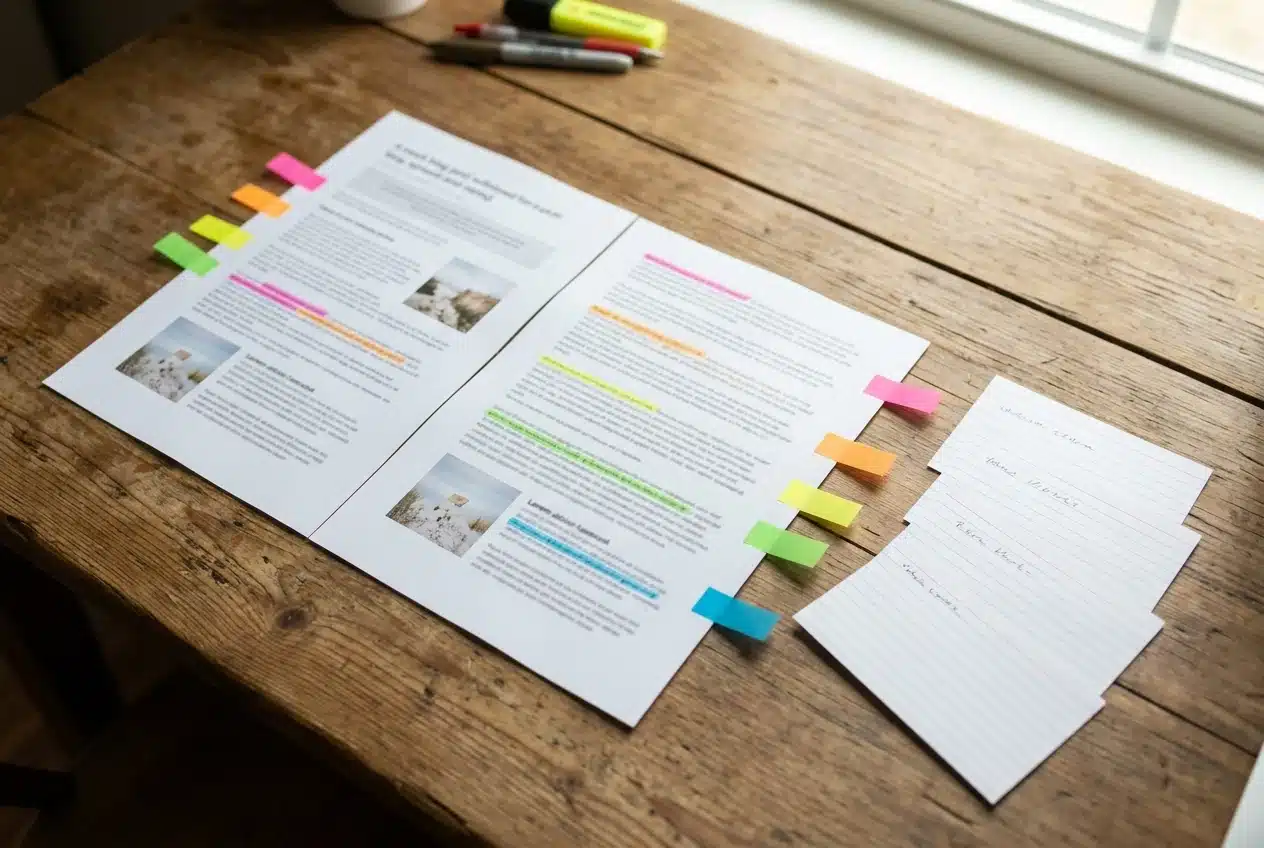
- The main promise. What the post helps someone do: record four episodes in one afternoon.
- A common mistake. Something readers usually get wrong, such as recording with no episode outlines prepared.
- A checklist or list. Any set of items that can stand alone, such as everything to set up before you hit record.
- A surprising or counterintuitive point. A claim that makes someone stop, such as the reason a shorter recording session can produce better audio.
- A question the post answers. The thing a reader would type into a search box or ask in a group.
Write these five as one short line each. That list is the real input to your pipeline. When the angles are distinct, the pins and posts will be distinct too, and a follower who sees three of them in a week will not feel they saw the same thing three times.
If you can’t find five angles, the post may be too thin for this treatment, and that is useful to know. Three solid angles are enough to start. Don’t pad the list with weak ones.
Building the pipeline: from publish trigger to drafted Pinterest pins and Facebook posts
The pipeline has five stages. You can build it in any automation platform that can react to a new post on your site and call an AI model. The structure matters more than the specific tool, so I won’t name one here.
Stage 1: the trigger. The automation watches for a newly published post. Most blogging platforms expose an RSS feed or can send a webhook when a post goes live, and either one works as the starting signal.
Stage 2: collect the post. The automation pulls the title, the URL, and the full text of the post. Having the full text matters, because the AI needs the actual content to extract angles from, not just the headline.
Stage 3: extract the angles. The first AI step reads the post and returns the five angles in the same format as your own list. This is the step you tune first. Give the model instructions such as: list five distinct angles, each with a one-sentence summary and the passage from the post it comes from. Asking for the source passage keeps the angles grounded in what you actually wrote.
Stage 4: draft per platform. For each angle, separate steps produce platform-specific drafts:
- For Pinterest, two or three pin variations per angle, each with a title, a description written around a search phrase, and a short line of text to place on the pin image.
- For Facebook, one post per angle, written in a conversational voice, with the link at the end.
Keep the Pinterest and Facebook instructions separate. A single prompt asking for both tends to produce the same text in two formats, which is exactly the copy-and-paste problem again. Include your voice notes in each prompt: how you write, words you use, words you avoid.
Stage 5: send to a review queue. The drafts go to one place you will check, such as a spreadsheet, a document, or a board. Each row should show the angle, the platform, the draft text, and the post URL. Nothing is posted at this stage.
A spreadsheet is a good first queue because you can see every draft at once and add a status column for approved, edit, or drop.
Where AI helps, and the one checkpoint you should never automate away
AI does well at the parts of this work that are repetitive and structural: finding candidate angles, writing five variations of a pin description, reshaping a paragraph into a short Facebook post. It saves the most time on the drafting you would otherwise do from a blank page.
It does less well at knowing your audience, your standards, and what you would never say. It can also state things with confidence that the post does not support, or write a hook that overpromises what the post delivers. A pin that makes a claim the post can’t back up sends people to your site who leave disappointed, and that costs you more than a missing pin would.
That is why the review checkpoint stays human. When you open the queue, check each draft against four questions:
- Is every claim in this draft actually in the post?
- Does it sound like you?
- Does the pin’s promise match what the reader finds when they click?
- Is this angle different enough from the other drafts in the queue?
Approve, edit, or drop each one. For five angles with a few variations each, this takes a short sitting, much less than writing everything yourself. Reviewing is faster than creating, and it is where your judgment goes.
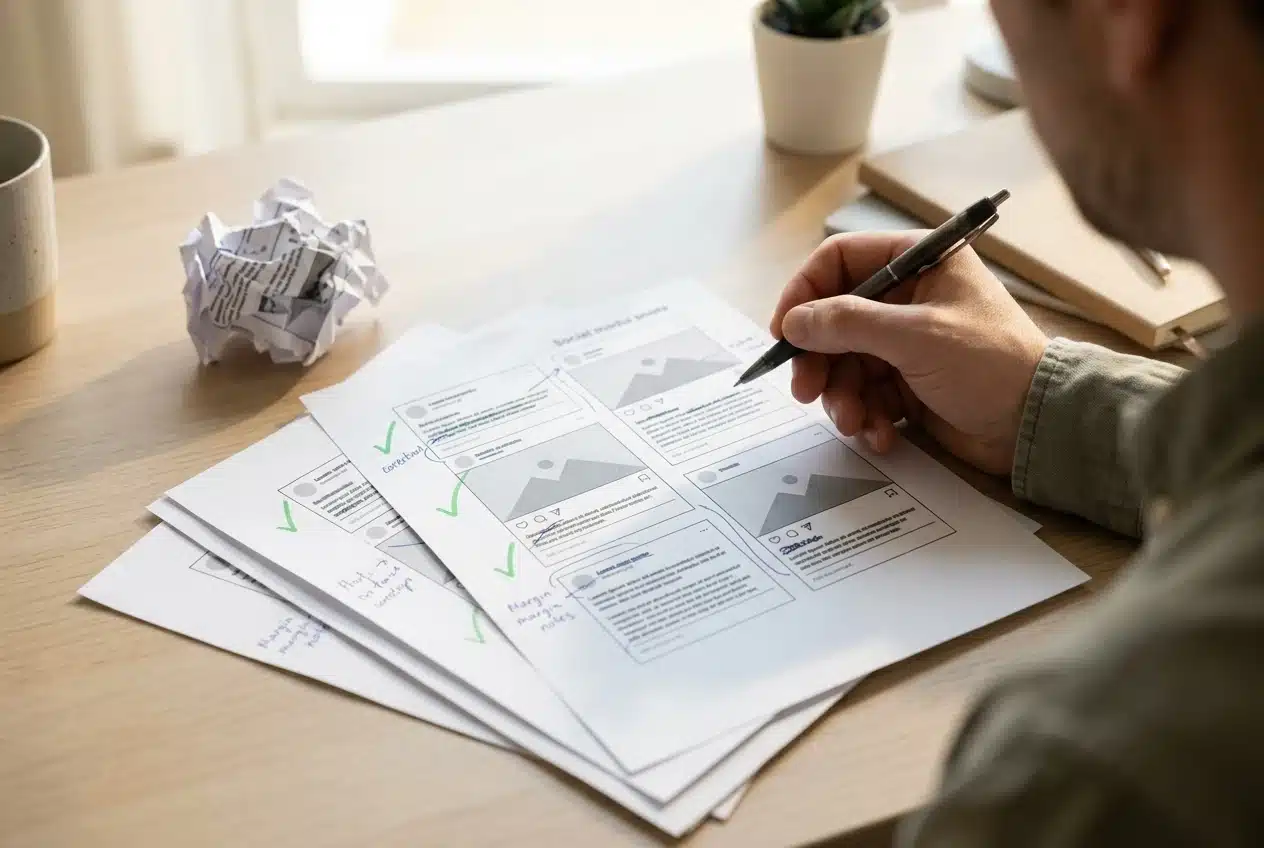
The pin images need the same attention. You can make them in a design tool from a template, with the on-image text from the draft. Check that the text is readable at small sizes, since many people see pins as small thumbnails on a phone.
Scheduling the output so a single post feeds a whole week
Once drafts are approved, spread them out. Posting everything on publish day uses up the material in an afternoon, and the rest of the week has nothing new.
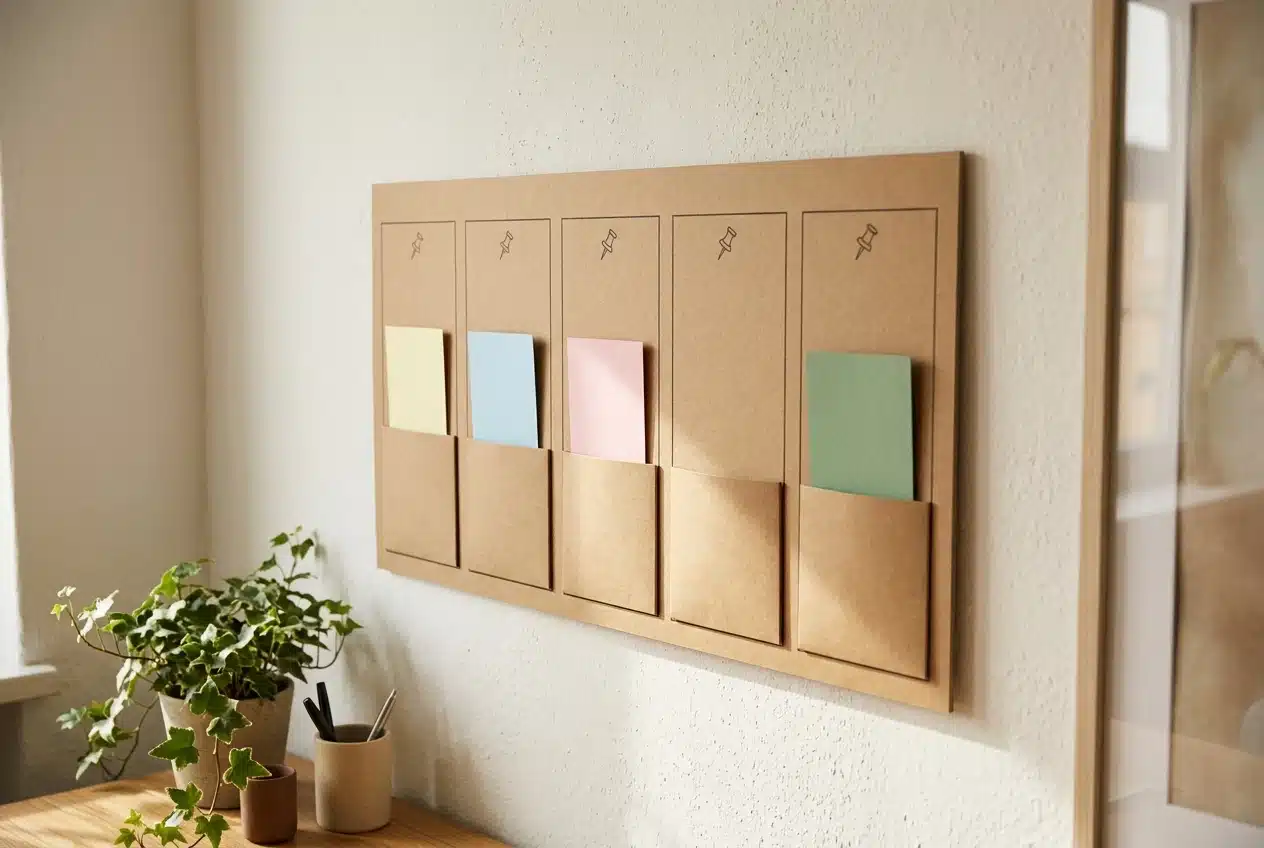
Here is one way to lay out a week for the example post, using five angles:
Day Facebook Pinterest Publish day Main promise post with link Pin for the main promise Day 2 Common mistake post Pin for the mistake angle Day 3 Question post that invites replies Second variation of the main promise pin Day 4 Checklist post Pin for the checklist Day 5 Counterintuitive point Pin for the surprising angle
Pinterest rewards variety, so the extra pin variations can fill later days or the following week, each pointing at the same post with a different image and description. Facebook posts should stay one per day or fewer unless your audience is clearly asking for more.
Most scheduling tools, and many automation platforms, let you set a date and time per item. Since you already approved the drafts, loading them into a schedule is a short job. For more on the scheduling side, my earlier piece on stopping manual cross-posting covers it in more depth.
Leave the scheduler with a small gap. If something in your niche is in the news or a reader asks a good question, you want room to post something timely without moving the whole week around.
Reading the results and tuning the workflow after month one
Run the pipeline for a month before you change anything big. One post gives you too little data, and four to six posts show patterns.
Add a tracking parameter to the links in your drafts so your analytics can tell Facebook visits from Pinterest visits, and ideally one angle from another. Then look at these things:
- Which Pinterest angles get saves and clicks. Pins that get saved keep circulating, so they are worth more attention. Note whether checklist pins beat question pins, or the reverse.
- Which Facebook posts get comments rather than only reactions. Comments show that the post started a conversation, and a conversation is the point of the platform.
- Which drafts you edited most. If you rewrote the same thing in most drafts, such as a tone problem or an overused phrase, fix the prompt instead of fixing the output each time.
- Which drafts you dropped. A pattern here usually means one angle type produces weak material, and you can stop asking for it.
Then make one or two changes per month. Adjust a prompt, change the posting days, or try a different image style on one platform. Changing everything at once makes it impossible to tell what helped.
Social traffic is also easier to use if you have somewhere to send it. A visitor who arrives from a pin and reads one post may never return unless you give them a reason, and an email list is the most direct one. If you haven’t built one yet, how to build an email list on a new blog, even with low traffic, covers where to start.
Bring your workflow to the community
Every blogger who sets this up ends up with a slightly different version: different angles, different prompts, a different review queue, a different weekly rhythm. The differences are where most of the useful ideas come from.
If you build your own repurposing workflow, join the Skool community to share it. You can compare your setup with other bloggers’ pipelines, see how they handle the review step and the weekly schedule, and get feedback on where yours could be tighter.