

I Gave Every AI Writing Assistant the Same 2,000-Word Brief. Here’s How to Judge Them
Picture three drafts open in three browser tabs, all written from the same instructions. One reads like a brochure, one repeats itself every few paragraphs, and one is solid but ignores half your outline. That comparison is the fastest way to find the best AI writing assistant for long-form SEO content, because it shows you what each tool does with your topic, your audience, and your standards.
This article walks through that comparison as a repeatable test. You write one brief, run it through every candidate, score the drafts on search performance and on how human they sound, and add up what each finished post costs you. The result is a scorecard that picks a tool for your site, not for someone else’s.
Table of Contents
The mistake to avoid: choosing a writing tool from its sales page
A sales page shows the best output the tool can produce, from a prompt written by the people who built it. Your prompt will be different. It will have a niche, a voice, a keyword, and a list of pages you want linked, and the tool’s behavior with those constraints is what you are paying for.
Feature lists make the problem worse. “Long-form mode,” “SEO optimization,” and “brand voice” are labels, and two tools can carry the same label while producing very different drafts. A feature that exists is not a feature that works on your 2,000-word post.
Reviews have the same limit. Someone else’s favorite tool was chosen against their workflow, their topics, and their tolerance for editing. If they write short product reviews and you publish 2,000-word guides, their verdict answers a different question.
The only evidence that applies to you is a draft written from your own brief. Everything below is about producing that evidence in a form you can compare fairly.
What long-form SEO actually asks of an AI writer
A long post that ranks has to do several jobs at once, and a tool can be good at some and weak at others. Knowing the list in advance tells you what to test.
It has to match search intent. Search your target keyword and look at what already ranks. If the first page is full of step-by-step guides, a draft shaped as an opinion essay will struggle no matter how well it reads. The writer needs to produce the type of page searchers are being shown.
It has to hold a structure for 2,000 words. Short outputs hide weaknesses. Over a long draft, many tools drift from the outline, pad the middle, or repeat the introduction’s point in the conclusion.
It has to handle the keyword like a person would. The target phrase belongs in the title, the opening, and a few headings, with natural variations elsewhere. Forced repetition is easy to spot and tiresome to read.
It has to stay inside the facts you give it. This matters more than any other item. A writer who invents statistics, product details, or personal anecdotes creates work for you and risk for your site, since you publish the result under your own name.
It has to sound like a person. Readers decide within a few paragraphs whether the post was written for them, and the long-form format gives generic phrasing a lot of room to show.
The one-brief test: how to run the same 2,000-word post through every tool
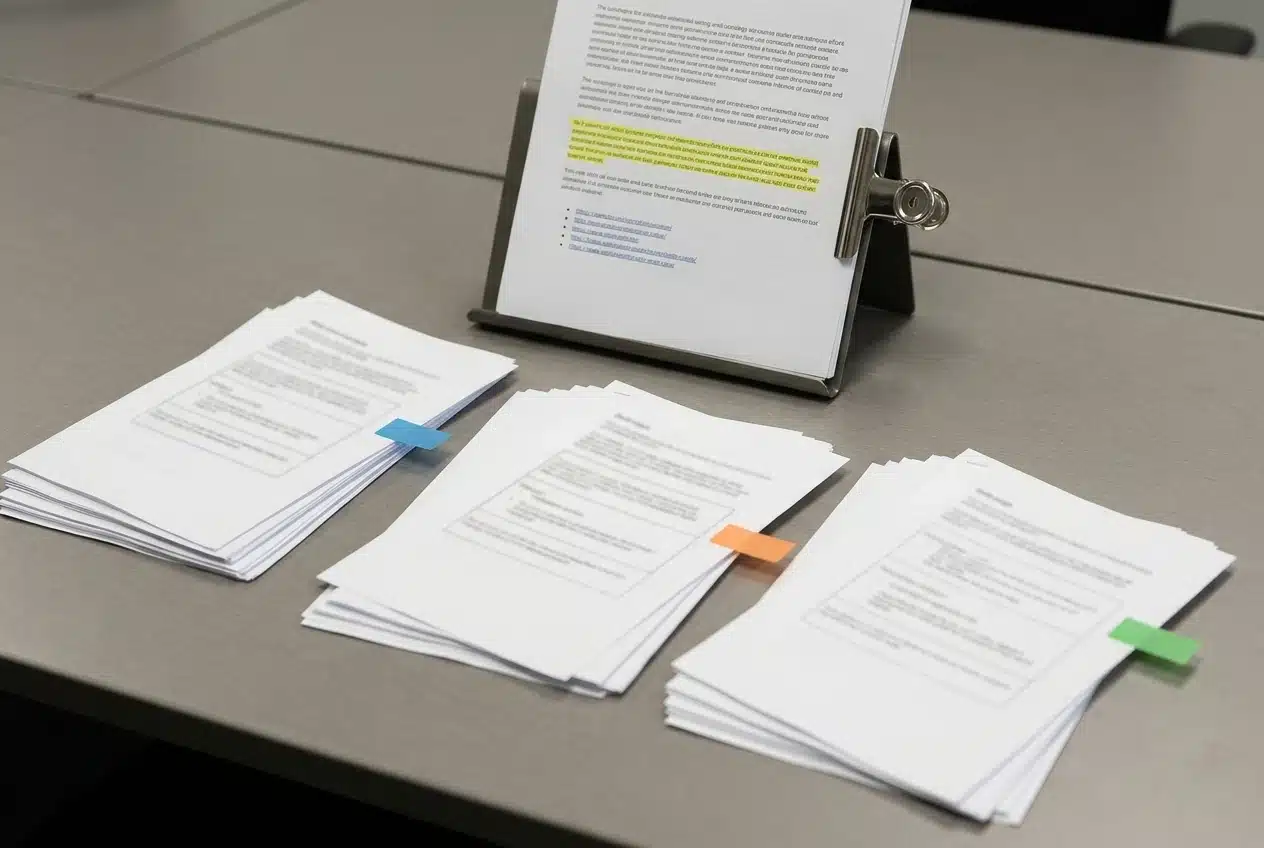
The test works because every variable is fixed except the tool. Build one brief and use it unchanged.
Your brief should include:
- A working title and the target keyword, here the best AI writing assistant for long-form SEO content or whatever your own phrase is.
- The audience, described in a sentence or two.
- The search intent: guide, comparison, list, or tutorial.
- A full outline with the H2 headings in order.
- A target length of 2,000 words.
- A voice note, plus a short sample paragraph of your own writing if the tool accepts one.
- A short list of internal links with the exact URLs you want used.
- Any facts the post may state, and an instruction not to invent others.
Then follow the same rules for each tool:
- Run the brief once, on the same day, with the same wording. Do not tweak the prompt for tools that seem to need help.
- Allow the same number of follow-up requests for each, for example, one fixed instruction such as “tighten the introduction and remove repeated points.”
- Paste each draft into a document and strip out the tool’s name and any branding, so you can score without bias.
- Note the time it took to generate, and the cost of the run if the tool charges per use.
- Score each draft later, ideally the next morning, when you read it as a stranger would.
If you have already tried a tool and feel you know it, put it through the test anyway. First impressions of a tool often rest on one good output, and a fixed brief gives every candidate the same chance.
Scoring SEO performance: structure, search intent, headings, keyword handling and internal linking
Score each item from 0 to 5. These five criteria total 25 points.
Structure
Compare the draft’s headings to your outline. Did it follow the order, or merge and skip sections? Check paragraph length: a block of eight sentences is a formatting problem you will fix by hand. Check whether each section delivers its point near the top, so a skimming reader gets value.
Search intent
Hold the draft up against the pages that currently rank for your keyword. A reader landing from Google should find the kind of answer they expected. Give a low score if the draft wanders into general background, or answers a different question than the one the keyword implies.
Headings
Good headings tell a reader what the section contains and often carry a natural variant of the keyword. Look for vague headings (“Final thoughts”), repeated, or stuffed with the exact phrase. Also check that the draft followed your instruction about the title: if your site renders the title above the post, the draft should not open with its own.
Keyword handling
Count where the target phrase appears and read each instance in context. It should show up in the opening paragraph and in a heading or two, and it should be surrounded by variations that read naturally. A draft that repeats the exact phrase every few sentences should score low even if a keyword checker approves of it.
Internal linking
This criterion catches more problems than people expect. Check that the draft used only the URLs you supplied, that it placed them where a reader would want them, and that the anchor text reads as part of the sentence. A tool that makes up URLs or links the same page three times has cost you cleanup time. Give zero points for invented links.
Scoring the human factor: voice, repetition, filler and the read-aloud check
These four criteria total 20 points, scored 0 to 5 each. They take longer than the SEO checks because they need you to read slowly.

Voice
Put your sample paragraph beside the draft. Does the draft use similar sentence lengths, similar vocabulary, and a similar way of addressing the reader? A conversational voice means second-person address and plain words. A draft can follow the brief and still sound like a corporate blog, which is a failure of voice.
Repetition
Scan for sentence openers that repeat, paragraphs that share the same shape, and conclusions that restate what the section just said. Long drafts expose this. Highlight each repeat; the highlighted count is your score input.
Filler
Filler is any sentence that could be deleted without losing information: openers that announce what is coming, reassurances, and generic claims such as “content is king.” Delete filler from a sample section and note how many words you removed. A draft that loses a quarter of its words in that exercise is padded.
Read-aloud check
Read two sections out loud, one from the beginning and one from the middle. Mark every spot where you stumble, run out of breath, or feel embarrassed. Tone problems that look fine on a screen show up when you speak them, and your readers hear the same thing in their heads.
Add one pass/fail check on top of the scores. Does the draft claim experiences or results you never gave it, such as “when I tested this” or “my readers told me”? A draft that invents your life fails, whatever else it scores, because you would be publishing fiction as fact.
The hidden costs: editing time, fact-checking, and how Credits or subscriptions add up per finished post
A tool’s price tells you what you pay to generate text. It does not tell you what you pay to get a publishable post, and the second figure is the one worth comparing.
For each tool, record three numbers during the test:

- Editing time. Set a timer and edit the draft to your publishing standard: fix structure, cut filler, correct the voice, repair links. Stop when you would be willing to publish.
- Fact-checking time. Check every claim that names a number, a product, a date, or a source. Drafts with more claims to verify take more of your time, and drafts that invent facts take the most.
- Generation cost. If the tool charges per use, note what the run cost, including any follow-ups. If you pay through Credits, record what was spent on this run, since Credits are charged at what the work actually cost. If it is a flat subscription, divide the monthly fee by the number of long posts you realistically publish in a month.
Then combine them: cost per finished post equals generation cost plus the value of your editing and checking time. Use your own hourly figure, even a rough one. A cheaper tool that needs an extra hour of editing per post can cost more than a pricier one that needs twenty minutes.
Also think about volume. If you publish one long post a week, a subscription and a pay-per-use model may come out close. If you publish in bursts, with several posts one month and none the next, per-use pricing tends to match your pattern better. Work this out with your real schedule rather than an imagined one.
Matching the tool to your workflow, including how it sits beside your keyword research tool
A writing assistant is one part of a chain: keyword research, brief, draft, edit, publish, promote. The question is where the tool fits, and what you still need around it.
Most writing assistants do not replace research. They write well from a keyword and an outline you supply, so the quality of your input decides much of the output. If you have not yet chosen a research tool, the questions in 7 Questions: How to Choose a Keyword Research Tool will help you decide, and the same one-brief logic applies to it. For a wider look at what a new site needs in its toolkit, The Best SEO Tools for New Blogs covers the supporting pieces.
When you compare writing tools, ask workflow questions as well as quality questions:
- Can you paste in a finished brief, or do you have to rebuild it in the tool’s own interface?
- Can you save your voice sample and outline format so you are not retyping them for every post?
- Does the draft arrive in clean Markdown or HTML, or does it need reformatting before it goes into your site?
- Can the tool use a list of your published URLs for internal links?
- Does it handle other formats you need, such as a podcast description or a social caption built from the same post?
A tool that scores a point lower on prose but removes ten minutes of reformatting from every post can come out ahead. Your workflow notes belong on the scorecard next to the quality scores.
Your decision scorecard and what to do after you pick
Copy this into a spreadsheet, one column per tool.
Category Criterion Score (0 to 5) SEO fit Structure SEO fit Search intent SEO fit Headings SEO fit Keyword handling SEO fit Internal linking Human factor Voice Human factor Repetition Human factor Filler Human factor Read-aloud check Cost Editing time (minutes) Cost Fact-checking time (minutes) Cost Cost per finished post Workflow Fit with your process
Add up the SEO fit and human factor scores for a total out of 45. Then apply three rules:
- Any draft that invents facts about you, or links to URLs you did not supply, is disqualified for that run.
- If two tools are within a few points of each other, choose the one with the lower cost per finished post.
- If the totals are close and the cost is similar, choose the one that fits your workflow, because you will use that tool more often.
Once you pick, keep the brief. It becomes your template for every future post: swap the title, keyword, and outline, and keep the voice sample, link list, and instructions about facts. Each post you publish then starts from a consistent baseline.
Repeat the test every few months, or when a tool you tried announces a major change. The same brief gives you a fair comparison each time, and it takes an afternoon.
Finally, read your first few published posts a week later with the scorecard open. Notice which problems your edits kept fixing, and add those to the brief as instructions. The brief gets better with every post, and so does the draft each tool gives you.
Check out our detailed post to help you know ACE, the new Agentic AI at Wealthy Affiliate: Join the New Wealthy Affiliate with ACE: Build Your Online Business.